
Surf Culture
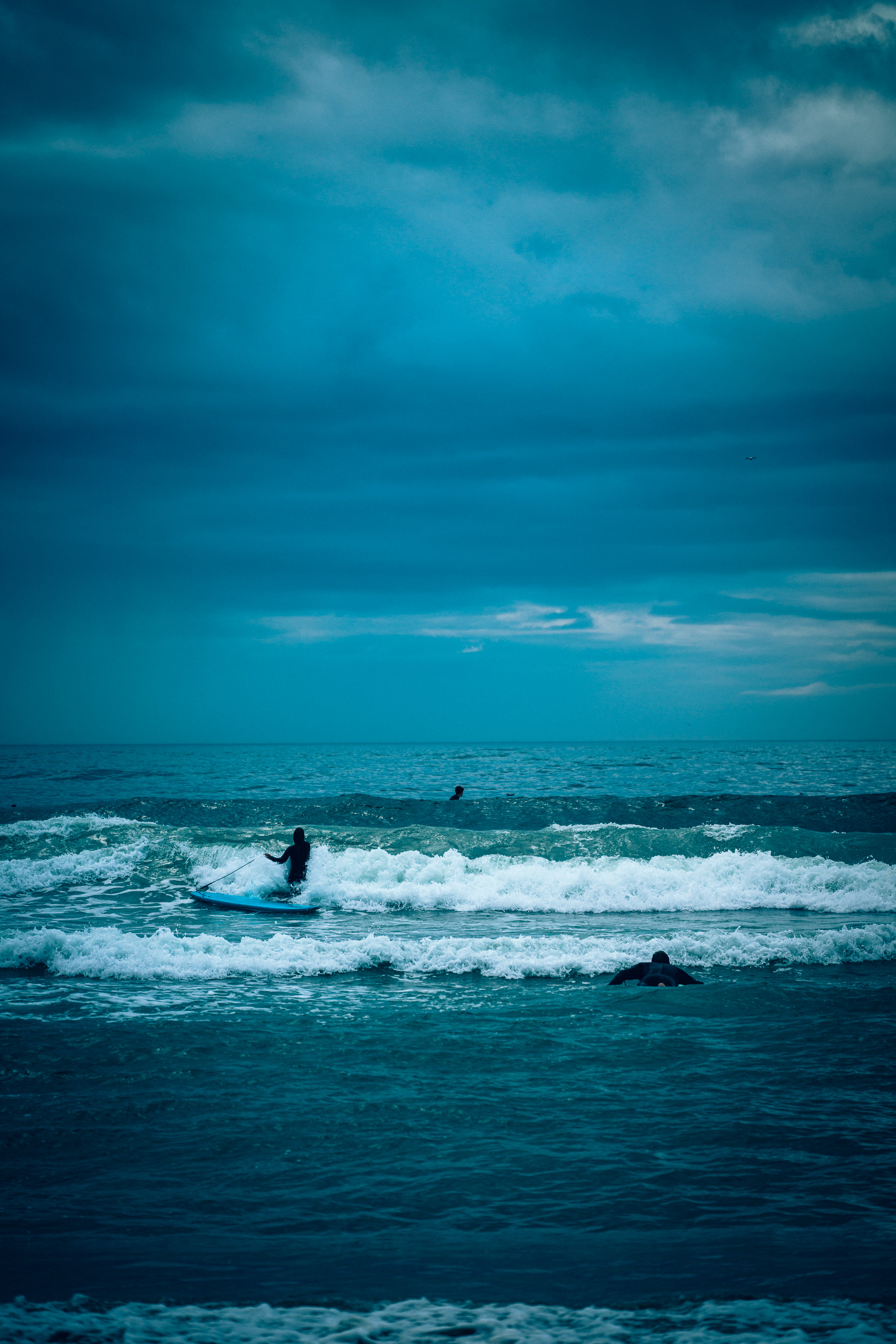
 Before
With preset
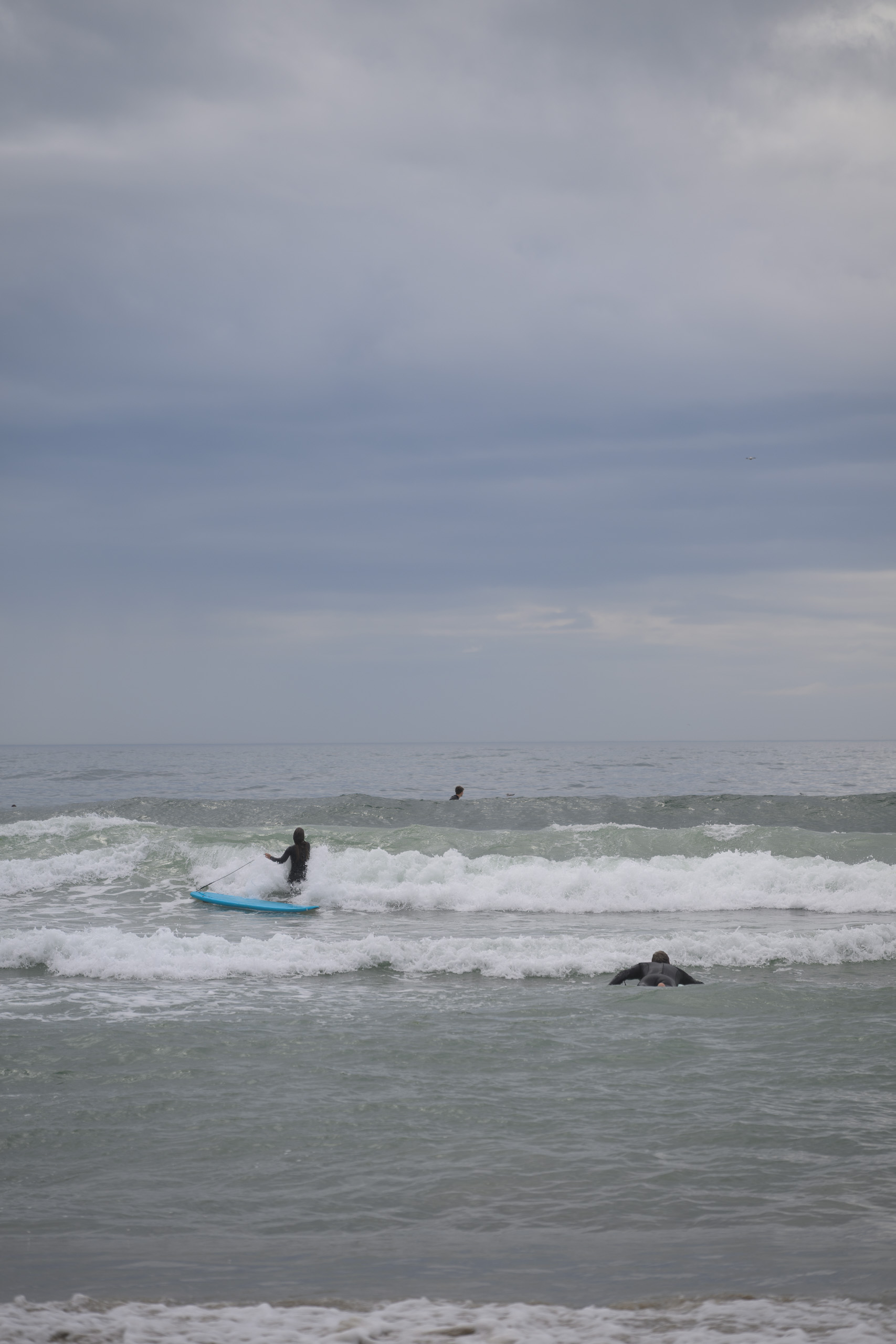
Before
With preset
Drag across the photograph or use the slider below.
Before: Camera Neutral profile, As Shot white balance and exposure 0. After: Atlantic Storm. The same RAW file and crop.
Sea foam, wet sand and faded coastal colour.
36 looks, 8 AI masking presets and 11 tools. Clear surf photography, dark storm seas and softer coastal pastels in one pack.
Price39,00 €
- Contents
- 36 looks · 8 AI masking presets · 11 tools
- Files
- 55 XMP files in a ZIP archive
- Intended workflow
- Nikon Z8 NEF RAW · Lightroom desktop Windows
- Profile
- Looks set Camera Neutral
- Classic / Mobile
- XMP import; pack results not separately checked
- Guide
- Estonian and English
- Licence
- Single user; editing your own and client photographs
- Sample photographs
- Not included
Before and after
The same photograph before the preset and after editing. Move the divider to compare.
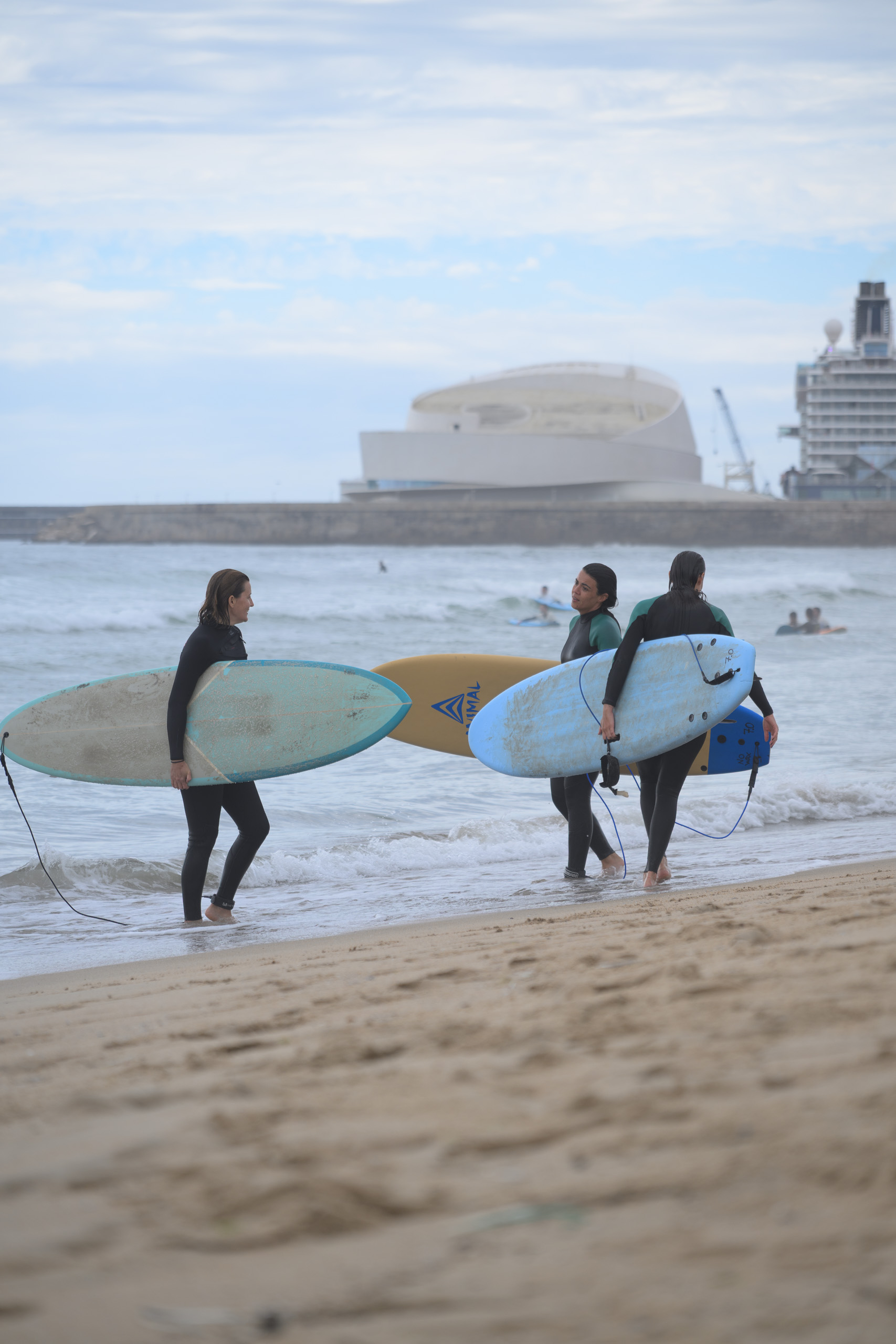
California Pastel 1968 · Brighter diffuse coastal light
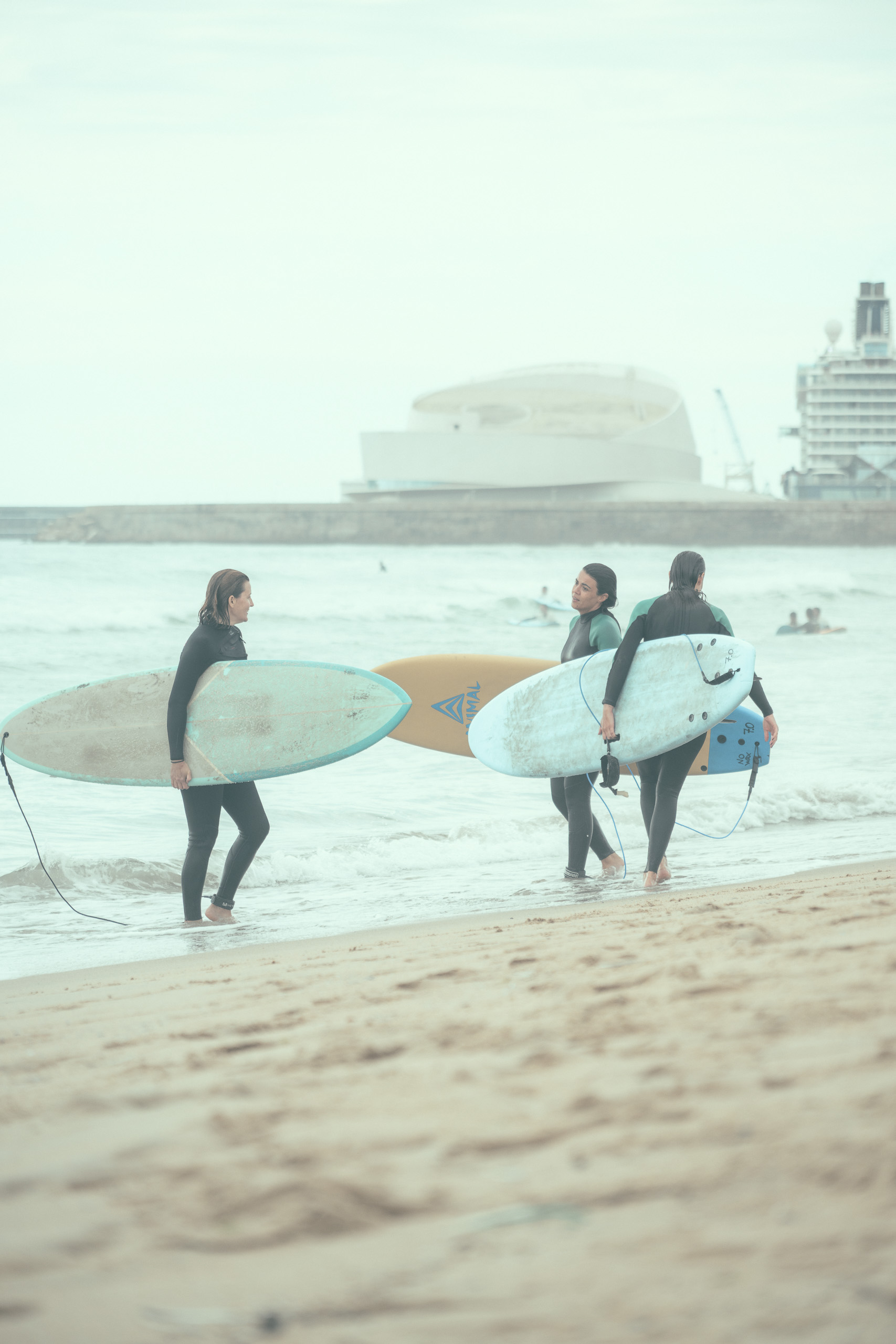
 Before
With preset
Before
With preset
Drag across the photograph or use the slider below.
Before: Camera Neutral profile, As Shot white balance and exposure 0. After: California Pastel 1968. The same RAW file and crop.
Bali Palm Print · Low golden backlight
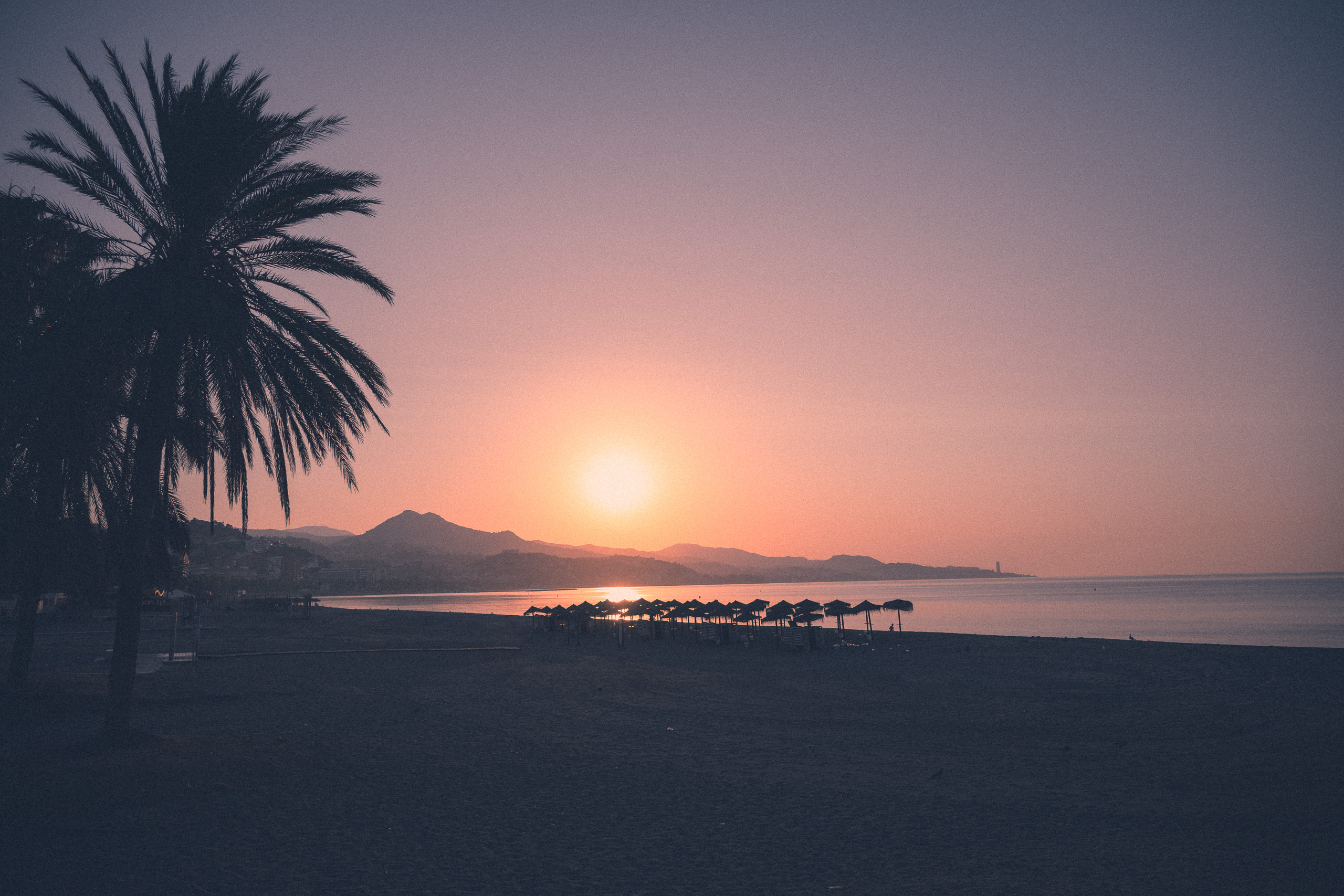
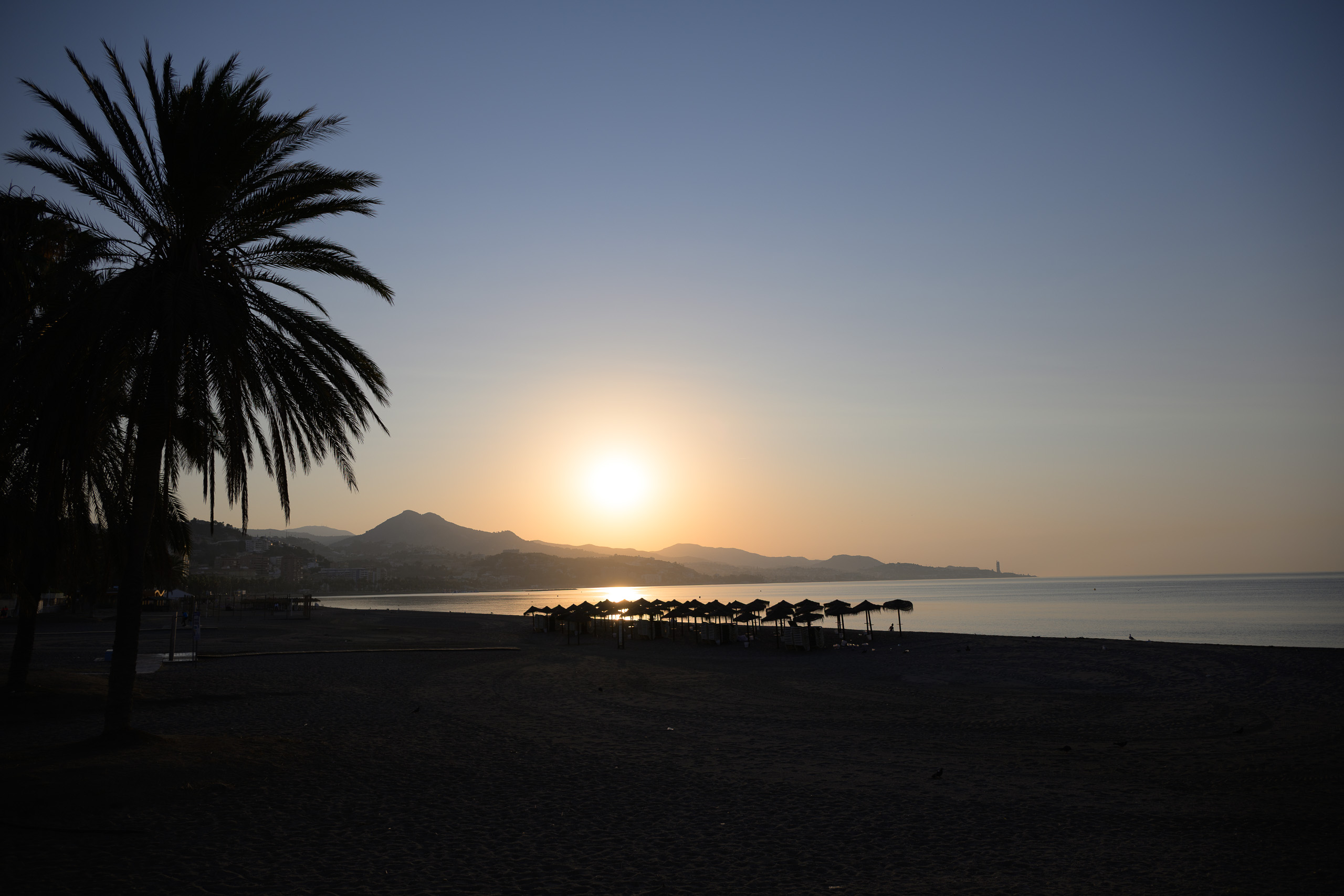 Before
With preset
Before
With preset
Drag across the photograph or use the slider below.
Before: Camera Neutral profile, As Shot white balance and exposure 0. After: Bali Palm Print. The same RAW file and crop.
The collection
The sea can feel silver and heavy one day, bright and almost colourless the next. Surf Culture offers several directions for surf and coastal photographs, with space for different light across a series.
Choosing a direction
Clean Pro Surf and Competition Punch emphasise wave shape, wetsuits and boards. Atlantic Storm takes the sea towards darker blue-grey tones. California Pastel 1968 makes the image very bright, creamy and mint-toned. Bali Palm Print lifts shadows towards violet-grey, with pink tones and visible grain. Reduce the Amount slider for a subtler colour shift.
Inside the pack
36 looks · 8 AI masking presets · 11 tools.
XMP presets in a ZIP archive, with an Estonian and English guide and a usage licence. Sample photographs are not included.
Working with the pack
The coastal style expansion is included, bringing the pack to 36 looks. Separate presets help adjust the sky, surfer or background, with tools for foam highlights, board colours and grain. Check Lightroom’s subject and sky selections carefully around spray and distant surfers.
The presets leave whole-image exposure and white balance to you. Tools replace the settings stored within them; they are not separate layers. Check sharpening and optics after applying a look, as some files also change those settings.
Before choosing
Strong blues, teal and retro palettes are creative choices and may change the actual colour of water or equipment. A preset cannot recover clipped sea foam or repair motion blur.
The look presets set the Camera Neutral profile. Its availability depends on the camera’s RAW file; the same starting point cannot be promised for JPEG or HEIC photographs.
AI masking presets require the app to calculate the relevant selection. Check its result and edges on each photograph; a mask may select a larger or smaller area than expected.
Before you buy
Is the coastal style expansion included?
Yes. This edition combines the original Surf Culture pack and its coastal style expansion: 36 looks, 8 AI masking presets and 11 tools, for 55 XMP files in total.
Can I use the pack in Lightroom, Classic and on my phone?
The files use XMP, which Lightroom and Lightroom Classic can import. Lightroom Mobile supports direct XMP import or syncing from Lightroom desktop with the same Adobe account and a suitable subscription. This pack’s results have not been checked separately in Classic or mobile.
Can I use ordinary phone photographs?
This edition is prepared primarily for a Nikon Z8 NEF RAW workflow. Opening it in a mobile app does not automatically establish JPEG or HEIC compatibility. Camera profiles, source files and app capabilities affect the result; phone-photo and HDR workflows have not been confirmed.
How do I install the presets?
Extract the ZIP and import the XMP files through your Lightroom application’s Presets menu. In Lightroom desktop, use File → Import Profiles & Presets. The included guide covers Classic and mobile steps. A precise minimum application version has not been confirmed for this edition.
Can I use these presets on client photographs?
Yes. The single-user licence allows editing your own and your clients’ photographs, including paid work. You may not redistribute or resell the preset files themselves. Full terms are included in the licence and the shop’s sale terms.